Due on Fulfillment Payment Terms on Shopify Explained
Due on fulfillment payment terms on Shopify tie the buyer's due date to shipping, not the order date. Here's when to use them and how to apply them per order.
Key takeaways
- 1Due on fulfillment ties the buyer's payment to when the order ships, not when it's placed. It's built for made-to-order goods, long lead times, and drop-ship.
- 2Shopify B2B supports three event-based terms: due on fulfillment, due on fulfillment created (for partial shipments), and due on invoice sent.
- 3The pattern to steal: put custom products in one collection and apply due on fulfillment with a 30% deposit at checkout.
- 4Native Shopify applies one term per company location. Applying an event-based term to some orders but not others needs a rules engine like TermStack.
Most B2B payment terms are a countdown. Net 30 starts a 30-day clock the moment the order is placed, whether you shipped it that afternoon or six weeks later.
For a lot of wholesale, that's fine. But if you make things to order, carry long lead times, or drop-ship, that clock is working against you. The buyer's 30 days can be half gone before the goods even leave your building.
Shopify has an answer for this that almost nobody writes about: event-based terms. Instead of counting days from the order, they anchor the due date to something that actually happens later, like fulfillment. This post covers the three event-based terms Shopify B2B supports, when each one beats a Net term, and what the buyer sees at checkout. If you're still mapping out the basics, start with the complete guide to B2B payment terms on Shopify Plus.
What due on fulfillment actually means
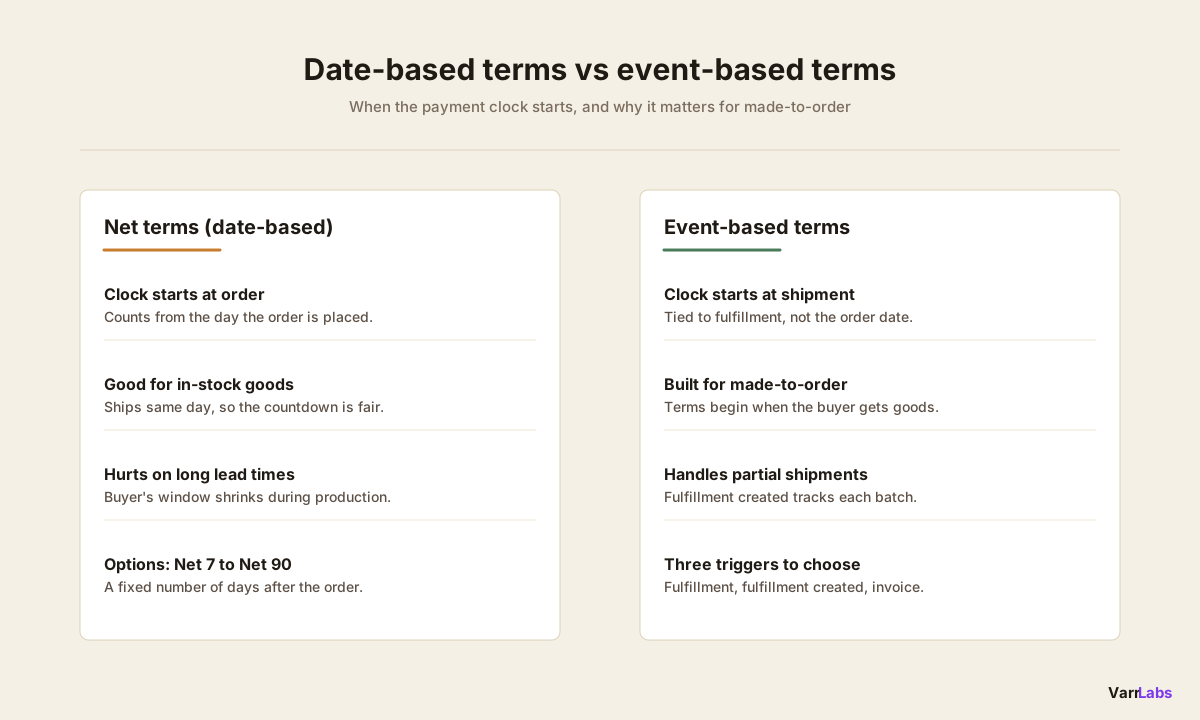
A Net term is date-based. You pick a number of days, and the due date is that many days after a fixed reference point, usually the order date.
Event-based terms drop the fixed number of days. The payment comes due when a specific event fires. Shopify B2B supports three of them, alongside the Net options and pay-at-checkout:
- Due on fulfillment. Payment is due when the order is fulfilled. The buyer isn't on the hook until you've actually shipped.
- Due on fulfillment created. Payment is due when a fulfillment is created against the order. This is the one to reach for when you ship an order in more than one piece.
- Due on invoice sent. Payment is due when you send the invoice, which puts the timing under your control rather than tied to shipping.
The full native list, for reference: Net 7, Net 15, Net 30, Net 45, Net 60, Net 90, due on fulfillment, due on fulfillment created, due on invoice sent, and no payment terms (the buyer pays at checkout).
One thing to be clear about up front: payment terms on Shopify B2B are Shopify Plus only. If you're not on Plus, none of this is available natively.
Why you'd pick an event over a date
The case for event-based terms is simple. When there's a real gap between when an order is placed and when it ships, a date-based term charges the buyer for time they haven't received anything for.
Here's where that gap shows up:
- Made-to-order goods. A custom production run takes four to eight weeks. Start a Net 30 clock at order time and it expires before the buyer has a box in hand. Due on fulfillment starts the terms when you ship.
- Long lead times. Same problem, different cause. Imported stock, seasonal manufacturing, or a supplier queue all put weeks between the order and the shipment. Bulky goods that ship by freight are the same story, and the home and garden wholesale post builds a full rule set around it.
- Custom or configured products. Anything you build to spec sits in production, not on a shelf. The buyer expects their terms to start when the goods do.
- Drop-ship. When a third party ships on your behalf, due on fulfillment created is the cleanest signal that the order is actually moving.
The buyer-experience argument matters too. A wholesale buyer who orders a custom run and then gets a Net 30 invoice dated from the order feels like they're being billed for your production time. Tie the terms to fulfillment and the relationship reads as fair: you ship, then the clock starts.
The pattern worth stealing: custom collections get a deposit plus due on fulfillment
Here's the setup to point most made-to-order merchants at.
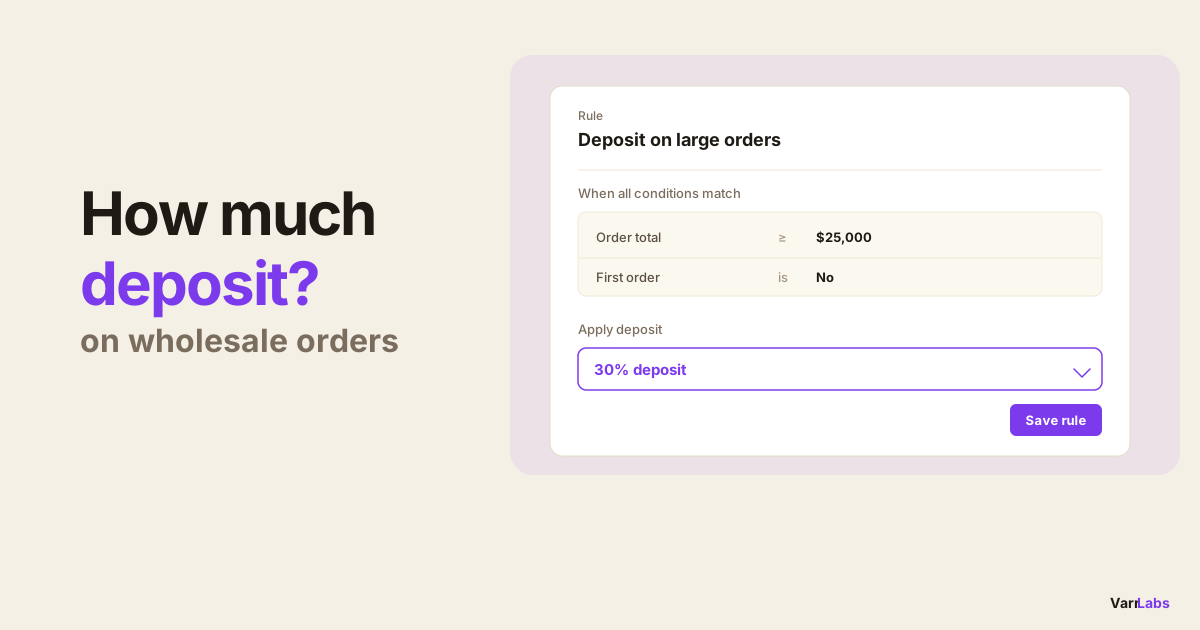
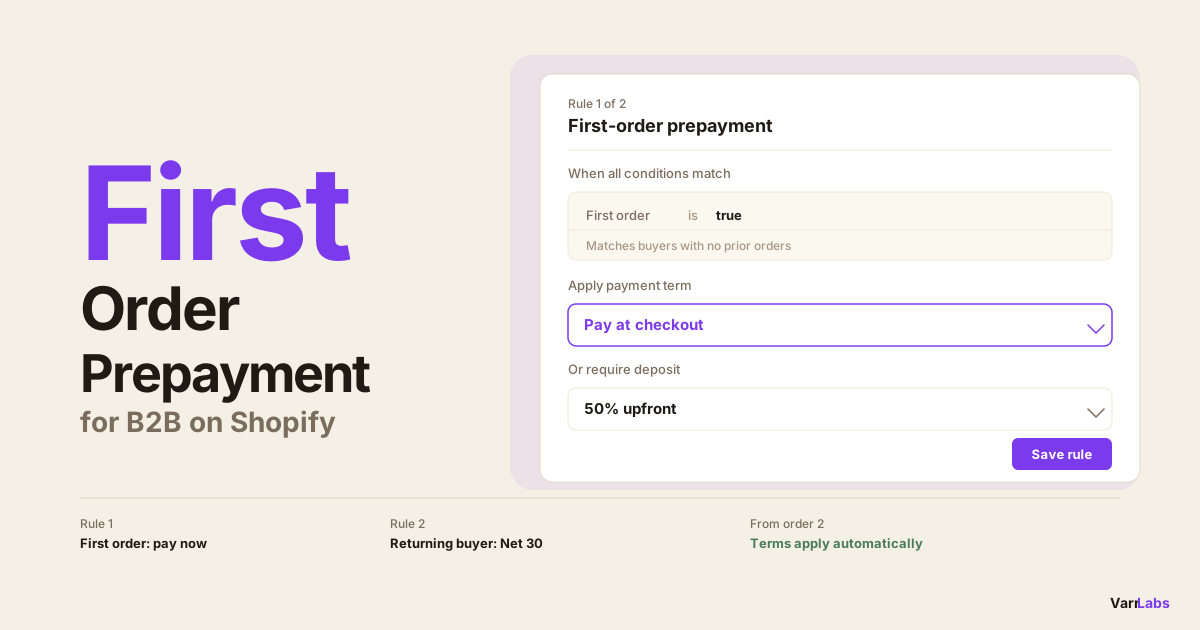
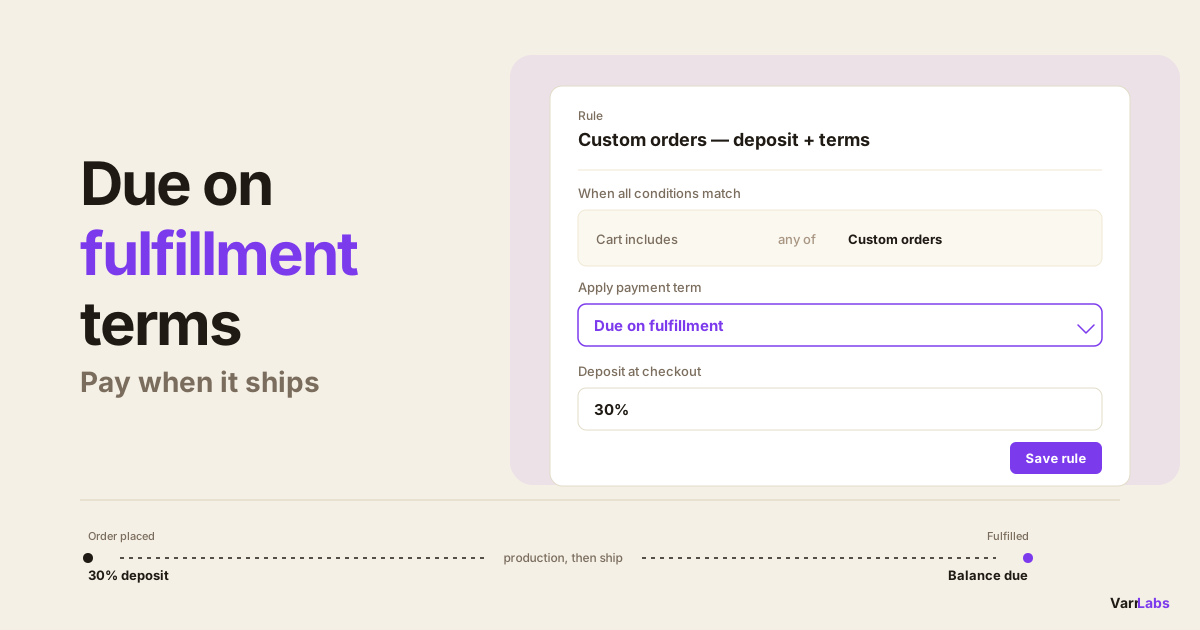
Put your custom or made-to-order products in their own collection. Then apply one rule to anything in that collection: due on fulfillment, with a 30% deposit at checkout.
That combination does two jobs at once:
- The deposit covers your materials and commits the buyer before you start a production run you can't resell. A 30% deposit on a $40,000 custom order is $12,000 in your account before you cut anything.
- Due on fulfillment means the remaining 70% doesn't come due until you've shipped. The buyer isn't paying full freight on a countdown while the goods are still on your floor.
Native Shopify can't do this on its own. You can set a single payment term per company location, and you can set a single deposit percentage per location, but you can't say "these products get a deposit and event-based terms, everything else stays on Net 30." That's a conditional rule, and conditions are where native B2B stops. A rules engine like TermStack handles exactly this as a single rule. Deposits get their own treatment in the guide to dynamic deposits on Shopify Plus.
Partial shipments: use due on fulfillment created
Due on fulfillment and due on fulfillment created sound like the same thing. The difference shows up the moment you ship an order in more than one batch.
Say a buyer orders 500 units and you ship 200 now, 300 in three weeks. With due on fulfillment created, the terms are anchored to each fulfillment as it's created, so the payment obligation tracks what you've actually shipped rather than waiting on the whole order to close out.
That's the term for anyone who splits shipments: partial production runs, backorders, staggered seasonal deliveries. If you always ship complete, plain due on fulfillment is simpler and does the job.
What the buyer sees at checkout
Event-based terms don't change the checkout mechanics for a B2B buyer. They still check out as their company, and they still see the terms that apply to the order. The difference is what the terms say: instead of "Net 30" with a due date calculated from today, they see that payment is due on fulfillment, on fulfillment created, or on invoice sent.
If a deposit is attached, the buyer pays that deposit at checkout and the balance follows the event-based term. So on that custom-collection rule, the buyer pays 30% now and sees that the remaining 70% is due on fulfillment. No invoice lands with a countdown that started weeks ago.
When native Shopify isn't enough
TermStack is a rules engine built on Shopify Functions that applies the right payment term and deposit at checkout based on what's actually in the cart. Try it free for 14 days.
Native B2B gives you event-based terms as options, but it applies them the same way it applies everything else: one setting per company location, the same on every order that buyer places.
That's the wall. You can set a company location to due on fulfillment, but then every order from that buyer is due on fulfillment, including the in-stock reorder that should just be Net 30. You want event-based terms on the custom run and a Net term on the catalog order, from the same buyer, decided automatically. Native can't branch like that.
This is what a rules engine is for. You write conditions (what's in the cart, the order total, the buyer's tags or history) and TermStack applies the matching term and deposit at checkout. It runs on Shopify Functions, so the evaluation happens at checkout in under 5ms with no external API calls, and every change is versioned with an audit trail. The native versus app comparison lays out exactly where the native line sits.
Quick reference: which event-based term to use
| Term | Payment comes due | Best for |
|---|---|---|
| Due on fulfillment | When the order is fulfilled | Made-to-order and long-lead-time goods shipped complete |
| Due on fulfillment created | When each fulfillment is created | Orders you ship in partial batches or backorders |
| Due on invoice sent | When you send the invoice | Cases where you want the timing under your control |
Frequently asked questions
Summary
Event-based terms are the part of Shopify B2B most merchants skip, and for made-to-order or long-lead-time selling they're the right tool. Due on fulfillment starts the clock when you ship. Due on fulfillment created handles partial shipments. Due on invoice sent puts the timing in your hands.
Native Shopify offers all three, but only as one static setting per company location. The moment you want event-based terms on a custom run and a Net term on the catalog reorder from the same buyer, you need conditions. That's the gap TermStack closes: the right term and deposit on every order, decided at checkout, without anyone touching a company record.