Require Prepayment from First-Time B2B Buyers on Shopify
Shopify can't distinguish a company's first order from its fiftieth. A Payment Customization Function can — and it can require full or partial payment upfront on order one, then relax to terms automatically.
Key Takeaways
- 1Shopify Plus applies the same payment terms to every order from a company location — it can't distinguish a first-time buyer from a returning one.
- 2A two-rule setup handles this cleanly: first-order buyers pay upfront (or put down a deposit), returning buyers get your standard terms automatically from order two.
- 3The first-order condition evaluates at checkout in real time, with no manual tracking or per-account flags.
- 4TermStack's first-order condition and deposit outcomes let you configure and test this in a no-code UI, with a Simulator to verify priority order before publishing.
Shopify can't natively distinguish a company's first order from its fiftieth. Payment terms and deposits are static per location, applied equally to every order regardless of whether it's a trusted account of five years or a brand new wholesale customer you've never worked with.
That asymmetry is a real problem. When you extend Net 30 to an unproven buyer, you're offering unsecured credit to someone you know nothing about. If they don't pay, you've shipped the goods and you're chasing an invoice.
This post covers how to require full prepayment or a deposit on first-time B2B orders at checkout on Shopify Plus, and then automatically relax to standard terms from order two onward — without any manual intervention.
Why first-order credit risk is different
There's a sensible industry norm that almost no Shopify merchant actually enforces: first order prepaid (or with a significant deposit), terms extended only after that.
The logic is straightforward. You don't know the buyer yet. No payment history, no relationship, no data. Extending Net 30 immediately is a bet that they'll pay. A lot of the time they do. But when they don't, you have no leverage.
Requiring prepayment or a 50% deposit on order one costs you almost nothing if the buyer is legitimate. It protects you significantly if they're not. Most serious B2B buyers expect this, especially when dealing with a new supplier. The friction of a deposit doesn't kill deals; it filters out buyers who were never going to pay anyway.
This is doubly true in verticals where a first order is large and committed up front. In apparel, a new account's first pre-book order can send you into production before you've collected a cent, which is why the payment terms playbook for apparel and fashion wholesalers puts full first-order prepayment at the top of the rule stack.
The problem isn't that merchants don't believe in the policy. It's that enforcing it consistently by hand is a nightmare. Someone has to track which customers are new, remember to flag those orders, and manually adjust terms before checkout. That's the kind of process that works until it doesn't, and then it fails exactly when you need it most.
What Shopify Plus gives you natively
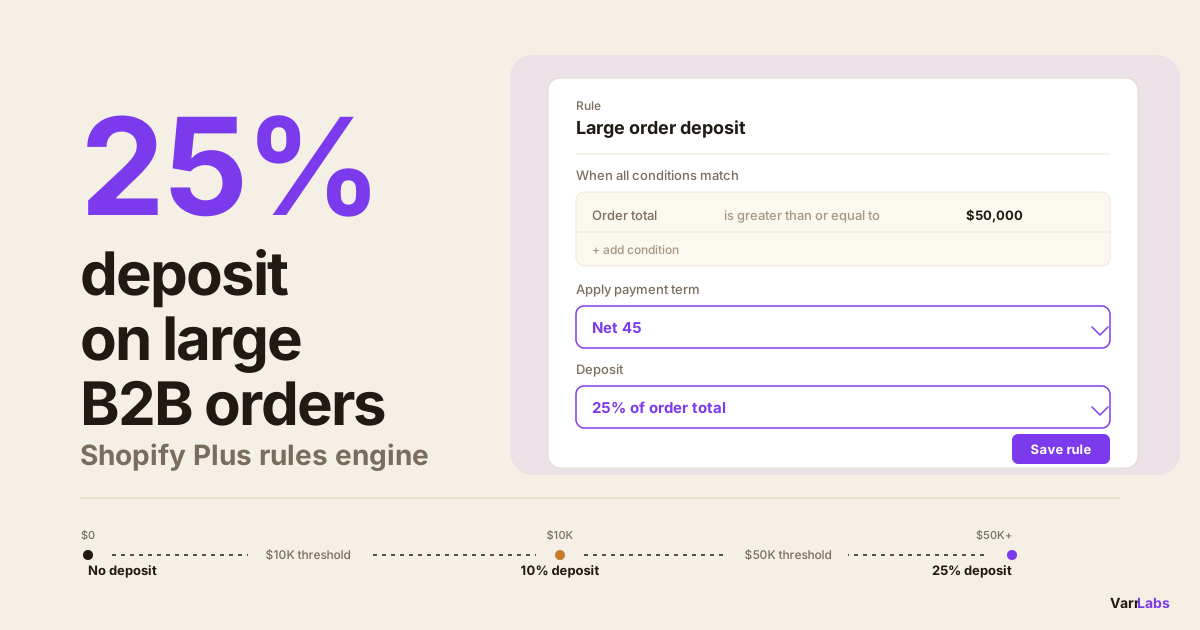
Shopify Plus lets you set payment terms per company location. Go to Customers → Companies → [Company] → Location and assign a term: Net 30, Net 60, Due on Fulfillment, or several others. You can also add a deposit percentage, so the buyer pays a percentage upfront at checkout and the rest is due later according to the payment terms.
This works well once you've decided what terms a buyer should have. The gap is that you have to decide upfront and set it statically. There's no logic to say "if this is their first order, require full payment; if it's their second or later, apply Net 30." Every order from a company location gets the same terms, every time.
So you're back to manual intervention. Either you set every new buyer to pay now and remember to update them after order one, or you extend terms immediately and accept the risk. Neither option is clean. For more on what Shopify does natively for B2B payments, the complete guide to B2B payment terms on Shopify Plus covers the full picture.
The rule: first order gets a deposit, second order gets terms
The cleanest solution is two rules running in priority order.
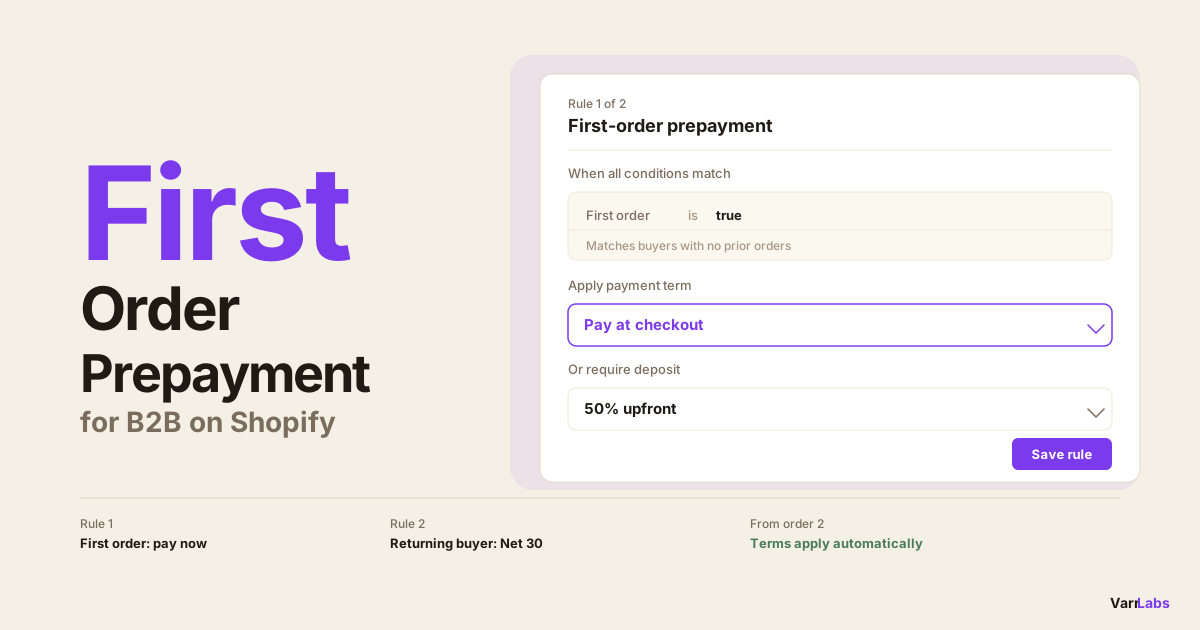
Rule 1 (higher priority): First order. Condition: this is the buyer's first order. Outcome: payment due at checkout (or 50% deposit if you prefer partial upfront).
Rule 2 (lower priority): Returning buyer. Condition: any other condition that identifies your standard wholesale accounts — a customer tag, company ID, or order count greater than or equal to 1. Outcome: Net 30 (or whatever your standard terms are).
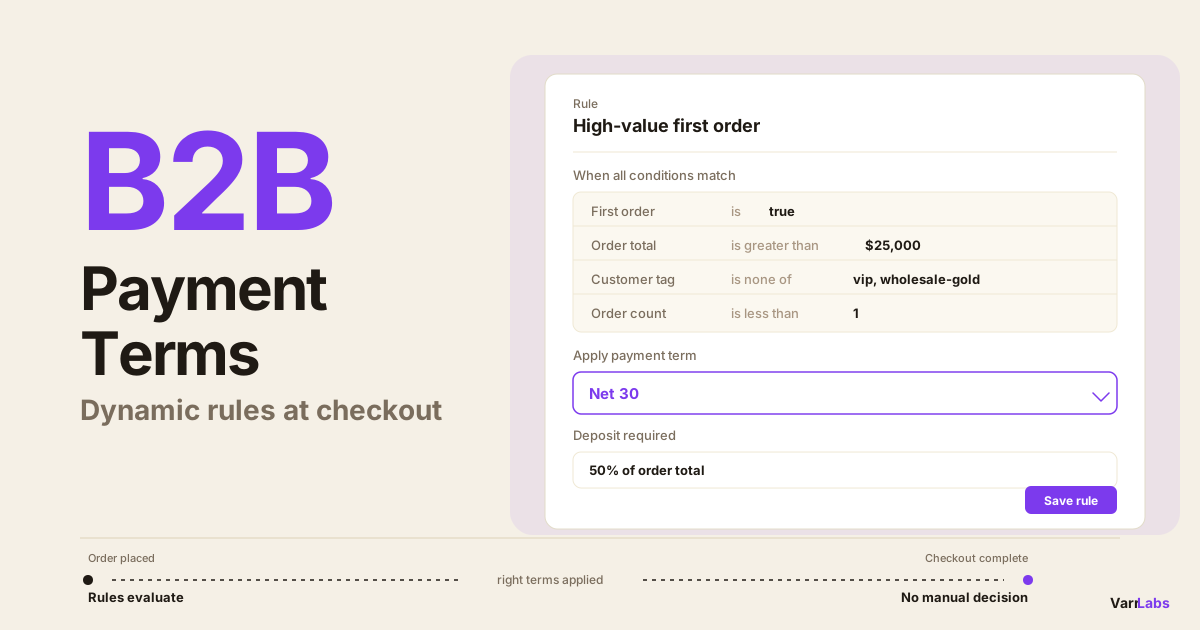
When a buyer reaches checkout, the rules evaluate top to bottom. If it's their first order, rule one fires and they pay upfront. If it's their second or later, rule one doesn't match, rule two fires, and they get terms.
That's it. No manual tracking, no per-account flags, no ops team remembering to update records. From order two, terms apply automatically.
The first-order condition matches against whether the buying company has any prior completed orders on your store. It's a binary: either they have one, or they don't. The evaluation happens at checkout, in real time, using the buyer's company identity. See also how this fits into a broader dynamic payment terms setup with deposits on Shopify Plus.
What "first order" actually means
There are a few edge cases worth thinking through before you set this up.
Per company vs. per location. Shopify B2B assigns payment terms at the company location level. The first-order condition checks based on the company context at checkout, not the individual location. So if a company has ordered before from location A and now location B is placing their first order, test your specific setup using the Simulator before publishing.
Reorders after a long gap. A customer who last ordered three years ago technically has prior orders. They're not a first-time buyer by the condition's definition even though from a credit risk perspective they might feel like one. If you want to handle long-gap reorders differently, combine conditions: use total order count with a time-based tag your CRM applies to inactive accounts.
Order count as an alternative. The first-order condition is the cleanest way to handle this. But if you want more granularity, use total order count instead. A rule like "order count less than 3, require deposit" holds new accounts to a deposit requirement through their first two or three orders, not just the first.
Setting it up
In TermStack, you'd build this as follows.
For rule 1, create a new rule, add a condition for "First order equals true," and set the outcome to no payment terms (pay at checkout) or a deposit percentage if you want partial payment upfront. Set the priority to 1 (highest).
For rule 2, create a second rule that matches your returning accounts. If you're tagging accounts — which you should be — add a condition like "Customer tag includes wholesale." Set the outcome to Net 30 or your standard terms. Priority 2.
Publish the ruleset. From that point, every B2B checkout evaluates both rules in order. First-time buyers hit rule 1 and pay at checkout. Everyone else flows through to rule 2.
Before publishing, run a few Simulator scenarios. Pick a company with no prior orders, set an order total, and confirm rule 1 fires. Then pick a company with prior orders and confirm it falls through to rule 2. A misconfigured priority order is the most common setup mistake. For a closer look at how deposits work across different order sizes, see how to require deposits on B2B orders in Shopify Plus.
When native Shopify isn't enough
This is exactly the scenario that Shopify's native tools weren't built for. The native payment terms system is per-location, per-setting, static. It's designed for "this buyer gets Net 30," not "this buyer gets Net 30 after their first order."
TermStack evaluates your payment terms rules at checkout so first-time buyers get a deposit requirement and returning accounts get terms — no per-account settings to manage. Try TermStack free for 14 days →
This is one of the clearest use cases for Payment Customization Functions: logic that depends on buyer-specific state (order history) evaluated at runtime. The function runs at checkout, checks the condition, and applies the right outcome. No external API call, no manual flag, no ops step between "new buyer" and "terms extended."
Frequently Asked Questions
Summary
The standard wholesale credit policy is: first order prepaid or with a deposit, terms extended after. The problem is enforcing it consistently at scale without ops overhead.
A two-rule Payment Customization setup solves this cleanly. First-order buyers hit the deposit requirement at checkout. Returning accounts flow through to standard terms automatically. No per-account flags, no manual updates, no missed cases when things get busy.
TermStack handles the rule evaluation, Simulator testing, version history, and publish/rollback workflow. If you're extending B2B credit on Shopify Plus and managing first-order risk manually right now, this is the highest-leverage place to start.