Checkout Blocks and B2B Payment Terms: What Each Controls
Checkout Blocks controls which payment methods show at checkout and how it looks. It doesn't set B2B payment terms or deposits. Here's the line between the two.

Key Takeaways
- 1Checkout Blocks controls which payment methods appear at checkout, their order and labels, plus checkout content and layout. It does not set payment terms or deposits.
- 2Setting the terms themselves, Net 30, Net 60, a required deposit, conditional on who the buyer is, is a different job that Checkout Blocks doesn't do.
- 3Both run as payment customizations on the same checkout, so a Plus B2B store can use Checkout Blocks and TermStack together without conflict.
- 4TermStack sets the payment terms; Checkout Blocks shapes what the buyer sees. Use both when you need full control of the B2B checkout.
If you sell B2B on Shopify Plus, you've probably looked at Checkout Blocks and wondered whether it also handles payment terms. It's a fair question. Checkout Blocks touches the payment section of checkout, so it feels like it should be able to put a buyer on Net 30.
It can't. Checkout Blocks and B2B payment terms are two different jobs, and mixing them up leads to a checkout that looks right but bills wrong.
This post draws the line clearly: what Checkout Blocks controls, what it doesn't, where a payment terms tool like TermStack picks up, and how the two work together on the same checkout.
What Checkout Blocks actually controls at checkout
Checkout Blocks is a checkout editor. It lets you customize what the buyer sees and how checkout is laid out without writing code. On the payment side specifically, it controls the payment methods surface.
That means Checkout Blocks can:
- Hide a payment method. Remove credit card, or a specific gateway, from checkout for certain buyers.
- Rename a method. Change the label a buyer sees on a payment option.
- Reorder methods. Push one payment option above another in the list.
- Shape the rest of checkout. Add content, custom fields, and layout changes around the payment step.
All of that is about presentation and availability. It decides which options appear and in what order. It's genuinely useful, and for a lot of stores it's the missing piece that Shopify's default checkout doesn't give you.
But notice what's not on that list: the actual terms of payment.
What TermStack controls: the payment terms themselves
Payment terms are a different layer. They're not about which method shows up. They're about the deal attached to the order: when the buyer pays, and how much upfront.
Setting terms means answering questions like:
- Does this buyer get Net 30, Net 60, or pay on fulfillment?
- Does this order need a deposit before it ships?
- Do the terms change based on who the buyer is, how big the order is, or how many orders they've placed?
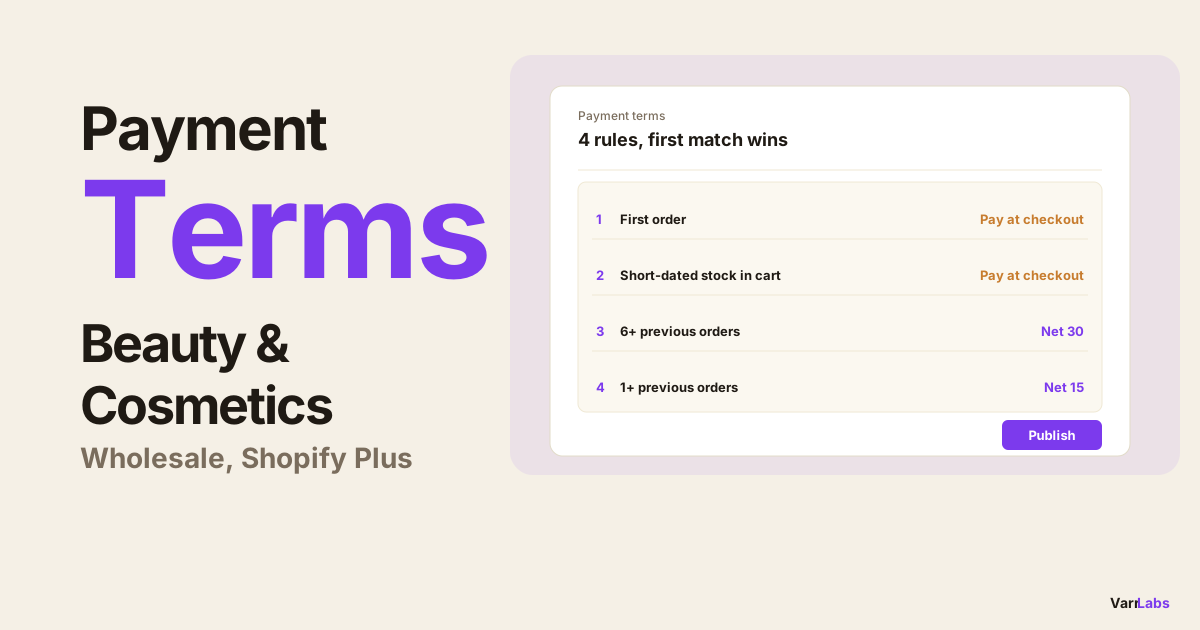
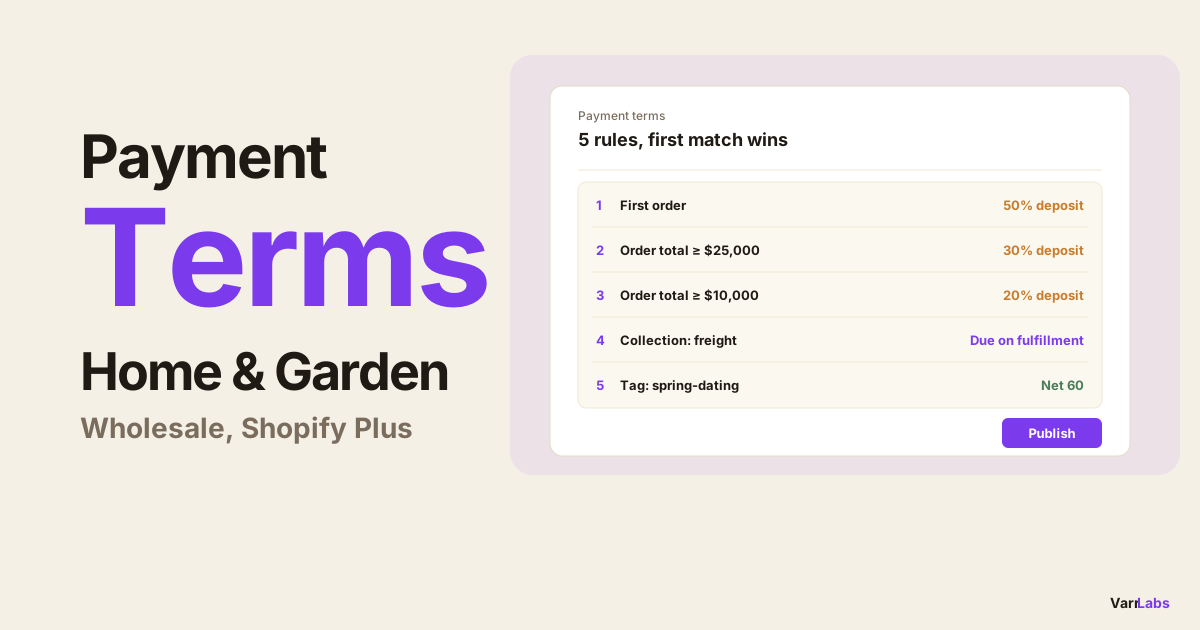
Shopify's native B2B terms can assign a single static term at the company level. They can't make that decision conditional. Checkout Blocks doesn't touch this layer at all. This is the job TermStack exists for: a rules engine that decides the terms at checkout based on conditions you define. For the broader picture of how native terms compare to a rules engine, the native vs. app breakdown covers it.
So the split is clean. Checkout Blocks shapes the buyer's view of the payment step. TermStack sets the terms behind it.

Which app owns which job
Here's the same thing as a table you can point a teammate at.
| The job | Checkout Blocks | TermStack |
|---|---|---|
| Hide a payment method | Yes | No |
| Rename a payment method | Yes | No |
| Reorder payment methods | Yes | No |
| Change checkout content and layout | Yes | No |
| Assign Net 30 / Net 60 terms | No | Yes |
| Require a deposit on an order | No | Yes |
| Make terms conditional on the buyer | No | Yes |
| Change terms by order size or history | No | Yes |
If you find yourself wanting a row from both halves of that table, that's your signal you need both tools, not one doing a job it wasn't built for.
A combined recipe: hide a method and apply the terms
The two working together is where the full B2B checkout comes into focus. Take a common setup for a tagged wholesale company.
You want approved wholesale accounts to skip credit card entirely and get invoiced on Net 30. That's two jobs:
- Checkout Blocks hides the credit card option for the tagged company, so their checkout only shows the invoice or terms-based path.
- TermStack applies Net 30 to that same buyer, because a rule matches their customer tag and sets the term.
Both run as payment customizations on the same checkout. Shopify Plus lets a store activate more than one payment customization at a time, so there's no conflict. Checkout Blocks handles the visibility, TermStack handles the term. The buyer sees a clean checkout with the right option, and the order carries the right terms.
If deposits are part of your setup, the same pattern holds: Checkout Blocks controls what shows, and TermStack decides the deposit. The dynamic deposits guide walks through the deposit rules in more detail.
When Checkout Blocks isn't enough for terms
If you've been trying to solve payment terms inside Checkout Blocks, you've hit its edge. It was never built to set terms, and no amount of hiding or reordering methods changes when a buyer pays.
TermStack is a Shopify-native rules engine for B2B payment terms. Assign Net 30, Net 60, or a required deposit based on the buyer, the order size, or order history, test it before it goes live, and roll back if anything looks off. Try TermStack free for 14 days →
The reason to keep the two separate is that they change independently. Your checkout layout is a merchandising decision. Your payment terms are a credit and cashflow decision. Keeping the layout in Checkout Blocks and the terms in TermStack means each team owns its own surface without stepping on the other. If you want the mechanics of how a terms engine works next to the raw Function API, the Function vs. app comparison covers that.
Frequently Asked Questions
Summary
Checkout Blocks and B2B payment terms solve different problems. Checkout Blocks controls which payment methods appear, their order and labels, and the checkout layout around them. It does not set terms or deposits. Deciding the terms, and making them conditional on the buyer, is what a rules engine like TermStack is for. Most Plus B2B stores that want full checkout control run both: one shapes what the buyer sees, the other sets how they pay.