Shopify Summer 2026: B2B Payment Terms Native vs. App
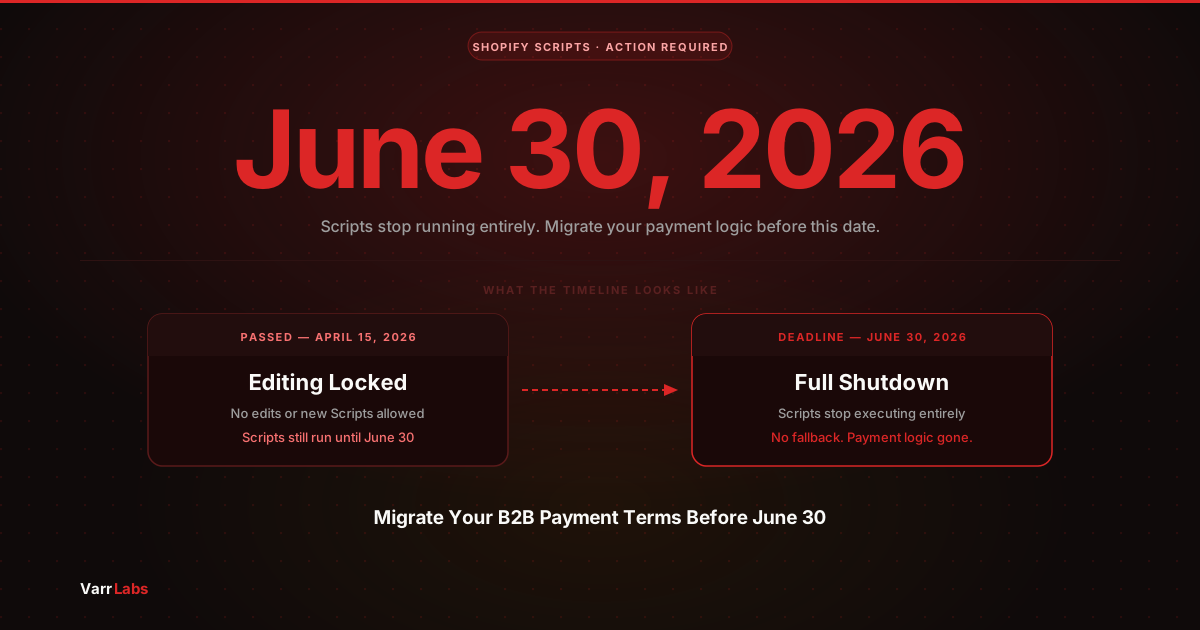
Scripts are gone as of July 1, 2026. Here's the current state of Shopify Plus B2B payment terms: what's native, what you still need an app for, and what changed.
Key Takeaways
- 1Shopify Scripts stopped running on July 1, 2026. Any payment logic built on Scripts needs to move to Shopify Functions.
- 2Shopify Plus native B2B payment terms are still static: one template per company location, applied to every order from that buyer.
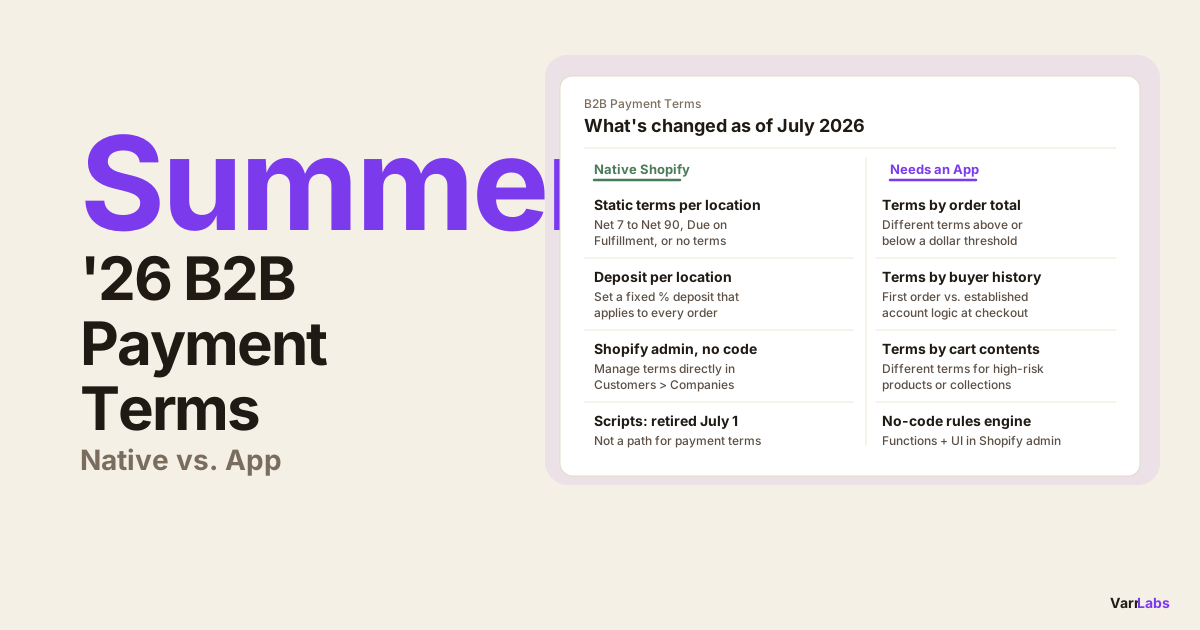
- 3The eight native templates are Net 7 through Net 90, Due on Fulfillment, and no terms. Deposits can also be set per company location natively.
- 4Dynamic terms that respond to order size, buyer history, or cart contents still require a Payment Customization Function app.
- 5TermStack is a no-code rules engine for Shopify Plus that runs a Payment Customization Function at checkout based on conditions you define.
Shopify's Summer 2026 Edition is a good moment to take stock. Scripts are officially retired as of July 1. Functions are the standard. And a lot of merchants I talk to are still unclear on exactly what Shopify does natively for B2B payment terms, and where you still need an app to fill the gaps.
The answer hasn't changed much at the core, but the context has. Every merchant who had Scripts doing anything at checkout is rebuilding right now. If that includes your payment terms setup, you need to know what you're working with.
This post covers the current state: what Shopify handles natively for B2B payment terms on Plus, what changed when Scripts stopped, and where native Shopify still falls short.
What Shopify does natively in 2026
Shopify Plus gives you B2B payment terms at the company location level. You assign a payment terms template directly to each company location in the Shopify admin under Customers > Companies > [Company] > [Location]. Those terms surface at checkout automatically for that buyer.
The eight templates available natively are:
| Template | Payment due |
|---|---|
| Net 7 | 7 days after the order date |
| Net 15 | 15 days after the order date |
| Net 30 | 30 days after the order date |
| Net 45 | 45 days after the order date |
| Net 60 | 60 days after the order date |
| Net 90 | 90 days after the order date |
| Due on Fulfillment | When the order ships |
| No terms | No terms applied |
This is static assignment. You pick a template, attach it to a company location, and every order from that buyer gets those terms. Shopify doesn't read the cart at checkout and decide. It reads the location record.
Deposits work the same way. You can configure a deposit percentage at the company location level in Shopify admin. Every order from that location requires that deposit at checkout, flat and fixed, regardless of what's in the cart or how large the order is.
This works well when your terms are straightforward and consistent per account. If you have 30 wholesale accounts each with a fixed arrangement, native Shopify handles it cleanly. One fewer thing to manage.
What changed on July 1
Scripts stopped running on July 1, 2026. If you had any active Scripts in the Script Editor handling payment behavior, those are no longer executing.
Scripts could modify which payment methods appeared at checkout based on cart properties or buyer tags. Some merchants used this to approximate payment policy. But Scripts had a specific limitation: they could not set B2B payment terms. They couldn't configure Net 30 or require a deposit at the checkout level. That capability only ever existed through the Payment Customization Function API.
So for B2B merchants specifically, the Scripts retirement matters less than it might appear. Most B2B payment terms logic was already either native (static assignment in Shopify admin) or running through a Payment Customization Function app. Scripts were at best a workaround for payment method visibility, not a real path to dynamic B2B terms.
If you were using Scripts for anything payment-related, check whether your setup was actually affecting payment terms or just payment method display. For a complete migration path, see migrating B2B payment terms from Shopify Scripts to Functions.
Where native Shopify still falls short
Static assignment works until your terms need to respond to something that changes order to order. That's where native Shopify can't help.
You cannot natively:
- Apply stricter terms or require a deposit on orders above a threshold
- Give a first-time buyer different terms than an established account
- Adjust terms based on which products or collections are in the cart
- Enforce a credit policy by company identity at checkout
- Tighten or relax terms based on how many previous orders a buyer has placed
All of this requires reading checkout context at the moment of purchase. Shopify's native terms are a static field on the company location. They don't evaluate conditions.
For merchants who need dynamic terms, the manual workarounds are draft orders, post-purchase invoicing, or sales team review. None of those scale.
How a Payment Customization Function fills the gap
Shopify Functions let apps intercept checkout before the buyer sees payment options and apply payment terms based on rules. The pattern is: you define ordered rules with conditions and an outcome. At checkout, the function evaluates rules top-down and applies the first match.
With TermStack, you can build logic like:
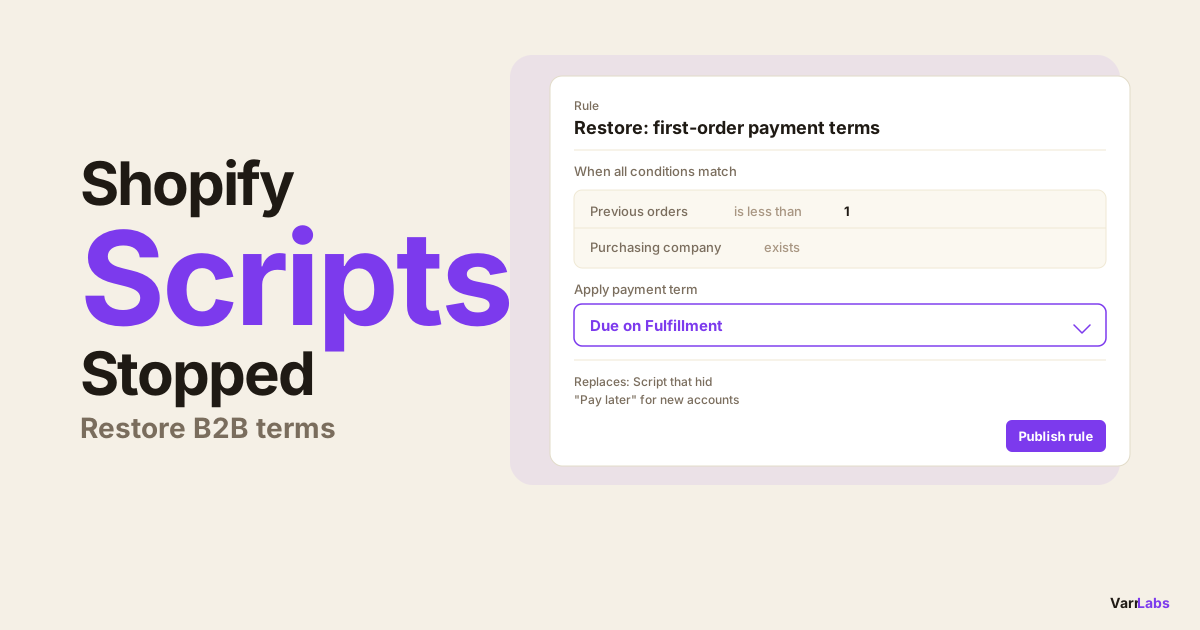
- First-time buyer? Payment due on fulfillment.
- Order over $25,000 from a new account? Require a 25% deposit.
- Customer tagged "vip"? Net 90.
- Cart contains items from a restricted collection? Net 7.
- Established account, order under $10,000? Net 60.
None of this is possible natively. The conditions you can work with at checkout include order total, customer tags, company and company location identity, whether this is the buyer's first order, total previous order count, cart collections, and the payment terms already assigned to the company location. For a concrete example of order-value-based rules, see how to set B2B payment terms by order value on Shopify Plus.
TermStack ships a Payment Customization Function to your store and gives you a no-code rules engine in the Shopify admin. Define conditions and outcomes, test them in the simulator, and publish. The Function handles checkout automatically from that point on.
The practical decision
Use native Shopify when your terms are static per account, you have a manageable number of locations, and you're comfortable updating them manually when agreements change.
Add a rules engine app when you need terms to respond to order size, buyer history, or product mix; when you have a formal credit policy you want enforced automatically; or when you previously relied on Scripts and need to rebuild that logic properly.
The lines are clear. Native Shopify gives you the infrastructure. A Function-based rules engine gives you the policy layer.
Frequently Asked Questions
Summary
Shopify's native B2B payment terms haven't fundamentally changed: static templates per company location, eight options, no conditional logic at checkout. For merchants with simple, fixed arrangements, that's still enough.
Scripts retiring on July 1 changes the workaround landscape, not the native capability. Any merchant who needed dynamic terms before still needs a Payment Customization Function app to get them.
If you're setting this up from scratch or rebuilding after Scripts, TermStack is the no-code path: define your rules, test them in the simulator, publish, and every B2B checkout gets the right terms automatically.